
Engineer app
Everything the engineer needs. Nothing they don't.
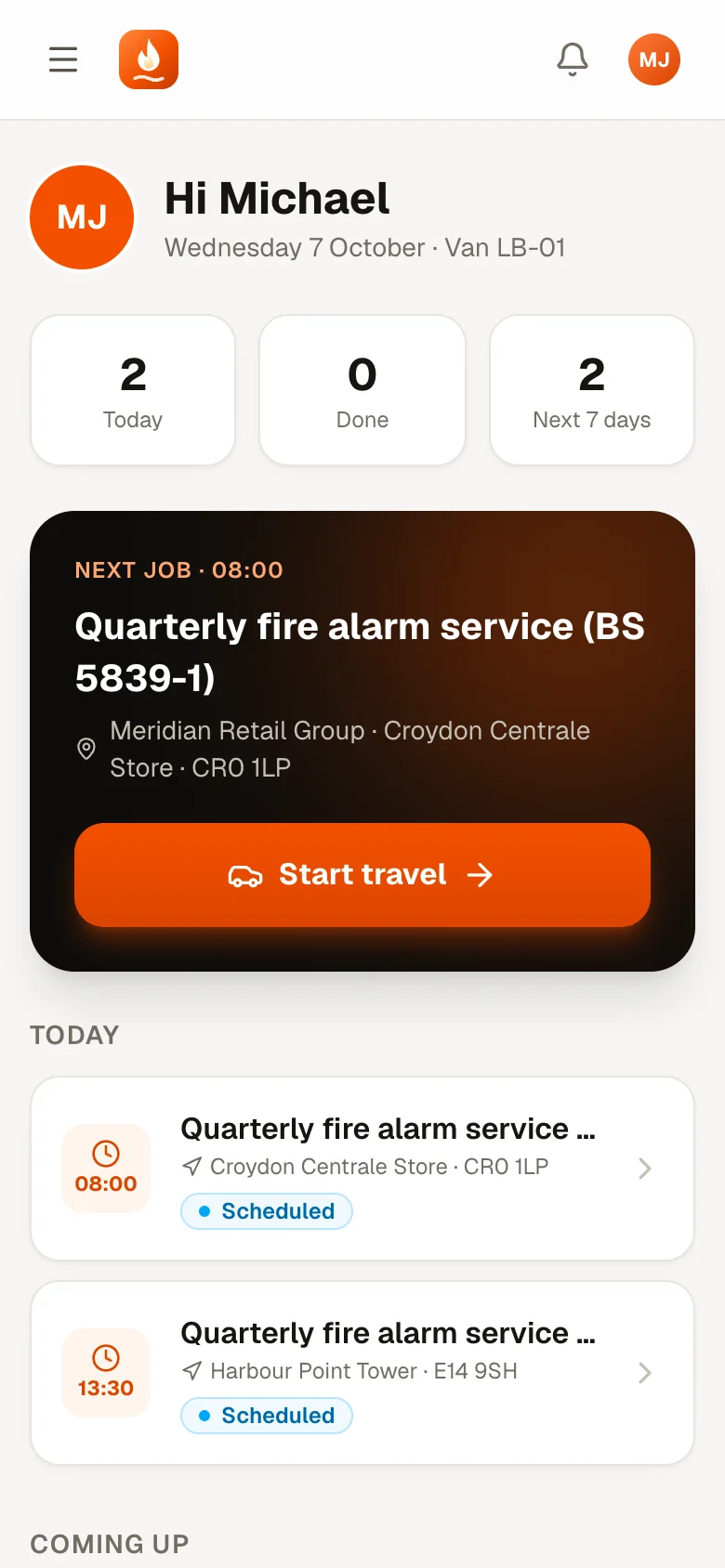
Engineers sign in on their phone and see today's jobs first. Each job walks them through every step in order, and the jobsheet they finish is one your office, your customer and your auditor can trust.
- Runs in the phone's browser
- No app store, no updates to push
Six steps, always in order
No skipped steps. No missing signatures.
FireFlow enforces the order on the server, not just on the screen, so every completed job has the same complete record.
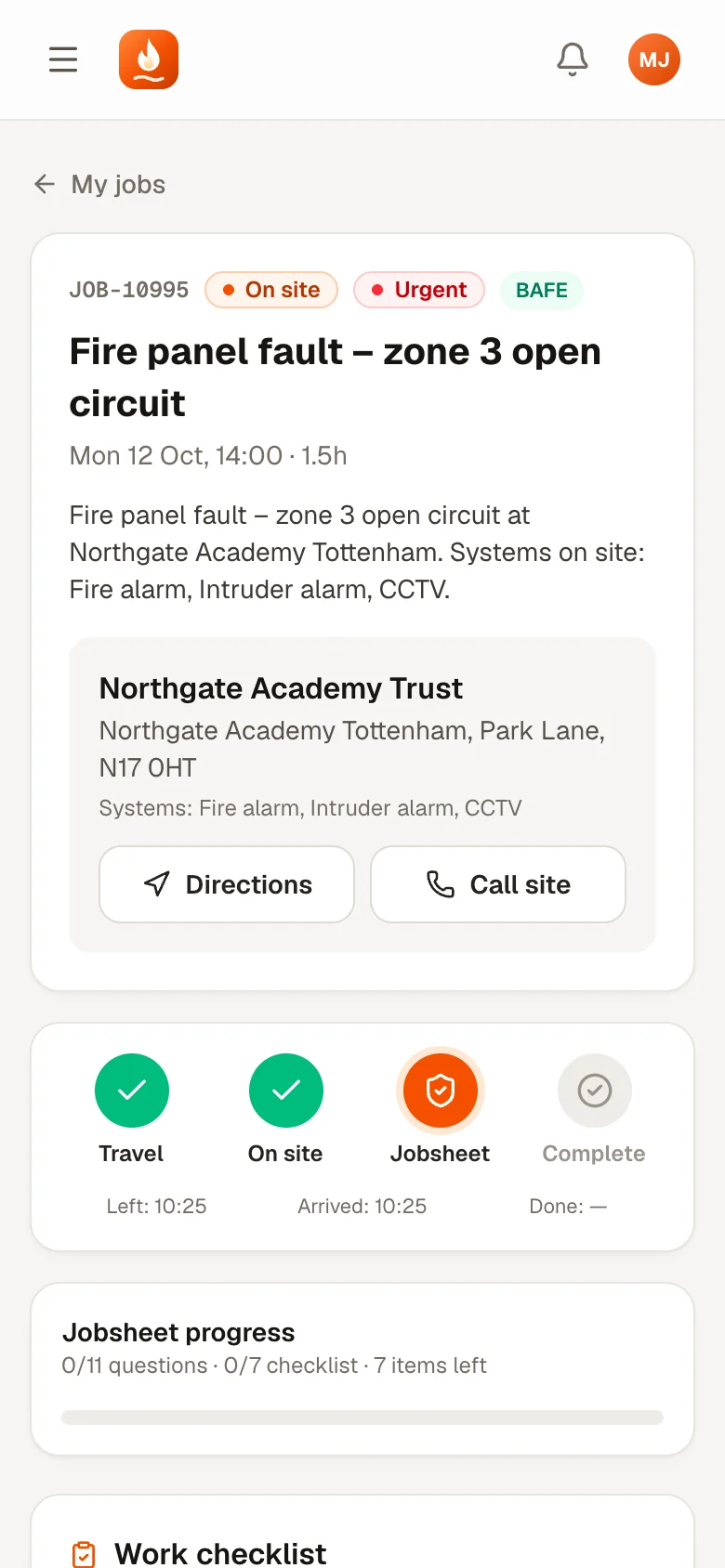
1. Start travel
Tapped when they set off.
2. Arrived
Arrival time recorded against the SLA.
3. Jobsheet
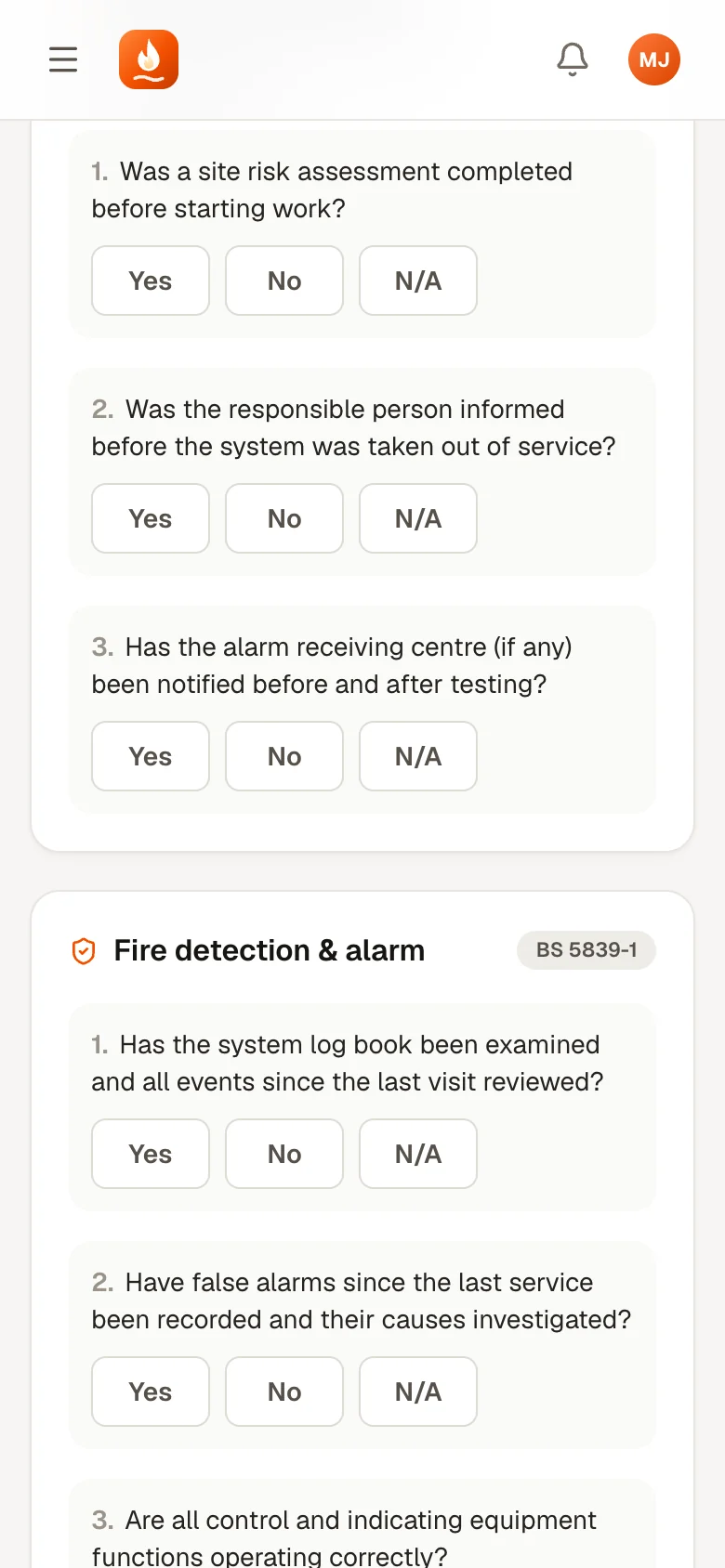
BS 5839-1 or BS EN 50131 questions.
4. Recommend
Further work? A quote is drafted.
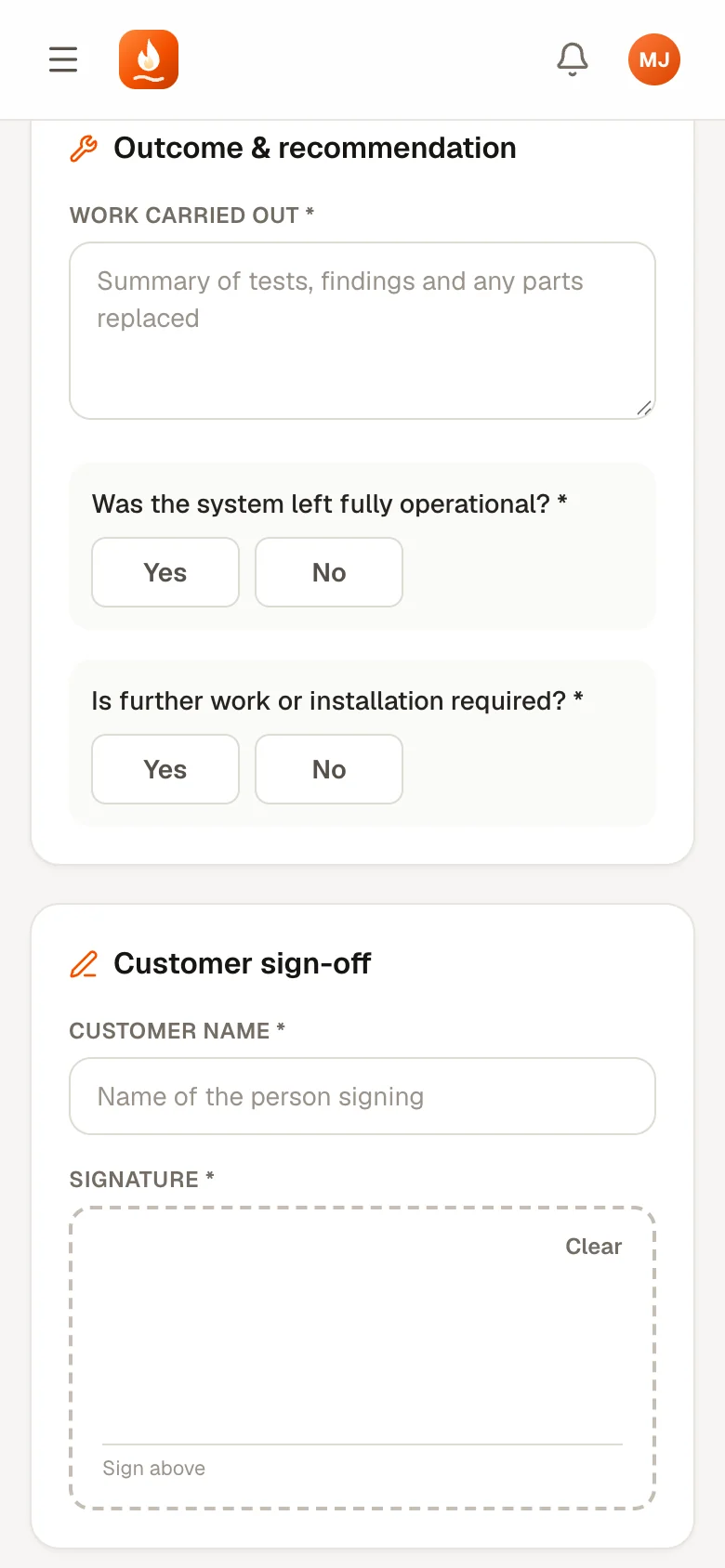
5. Signature
Customer signs on screen.
6. Complete
Checks everything required is filled in.
Try it
Be the engineer. Try to skip a step.
Tap the steps on the right, or the big button on the phone. Jump ahead and FireFlow will stop you, just like it does for real.
The jobsheet
Built around the standards, not a blank form.
The questions match the job: general work carried out, BS 5839-1 for fire alarm work and BS EN 50131 for intruder alarms, plus your company's site safety procedure. Required answers are marked, it saves as the engineer goes, and Complete lists anything that's missing.
- Engineer checklist from the job template
- Yes / No / N/A answers, with notes
- Work carried out, systems tested and parts used
- Customer's name and on-screen signature
Recommendations become revenue
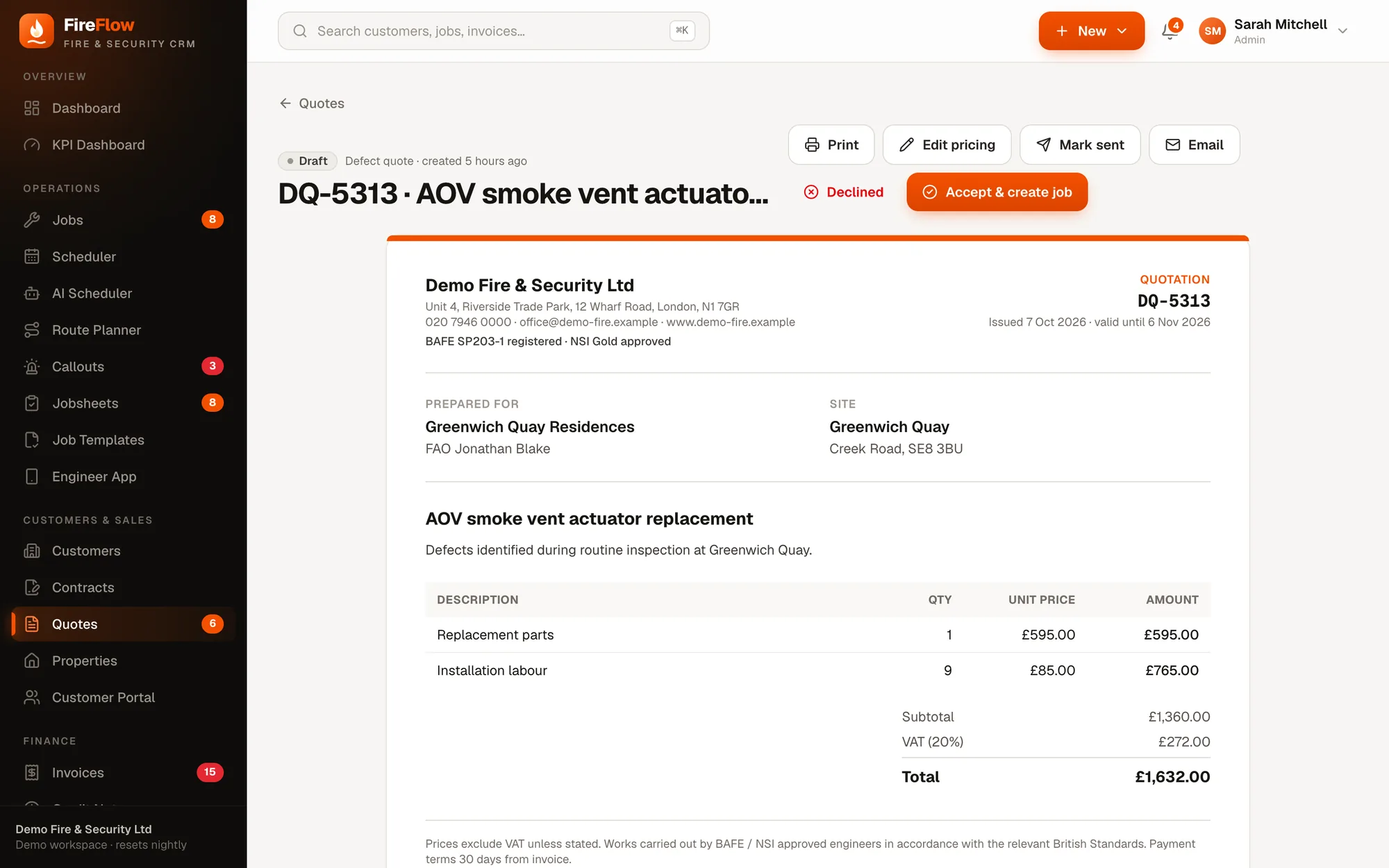
"Further work required" turns into a quote.
When the engineer recommends further work or an installation, they choose the type and describe it. The office immediately gets a draft remedial quote to price and send, so findings on site don't get lost on the drive home.
- Defect/remedial quotes flagged on the jobsheet list
- Lines picked from your price list
- Accept & create job in one click
Beyond the job
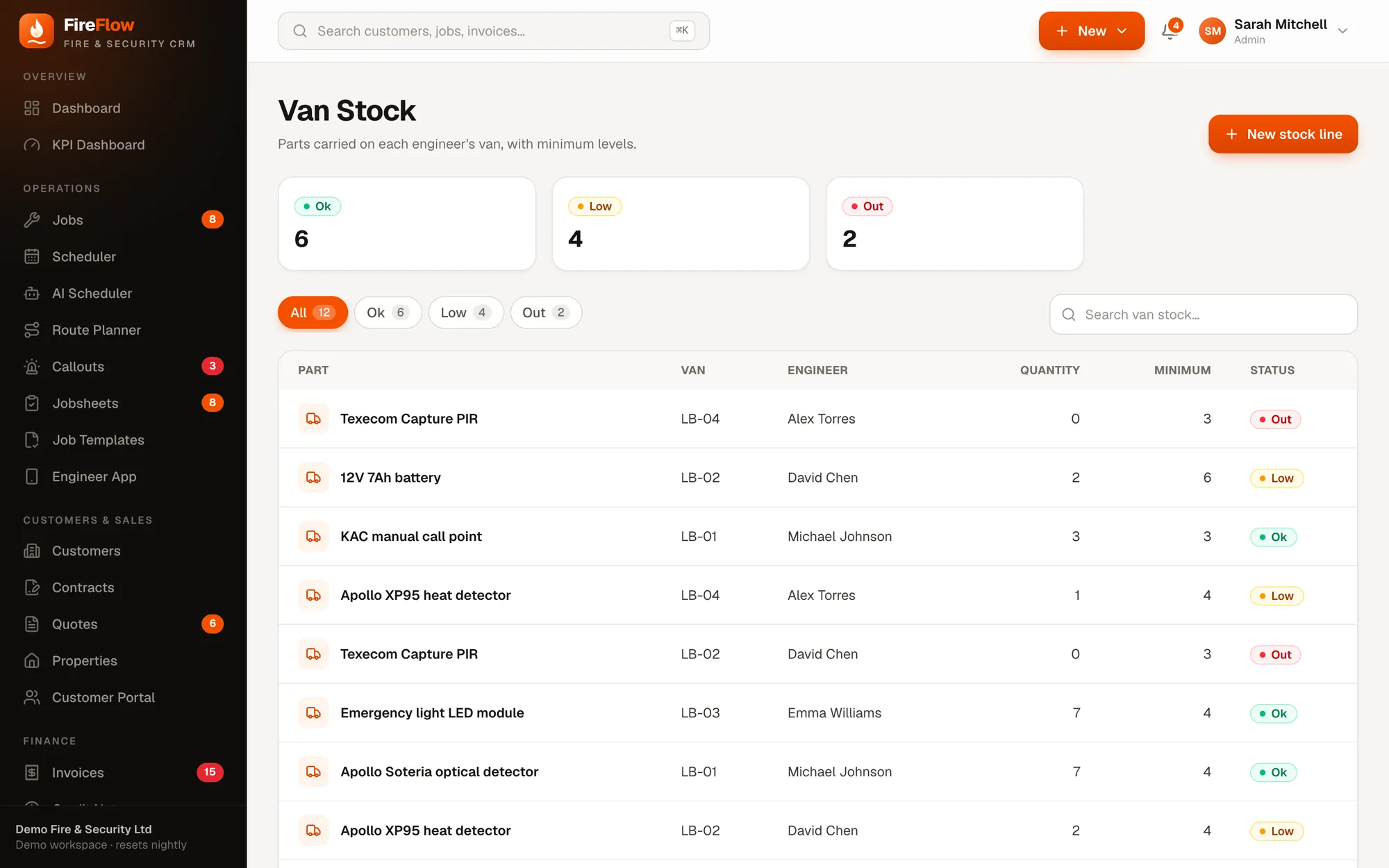
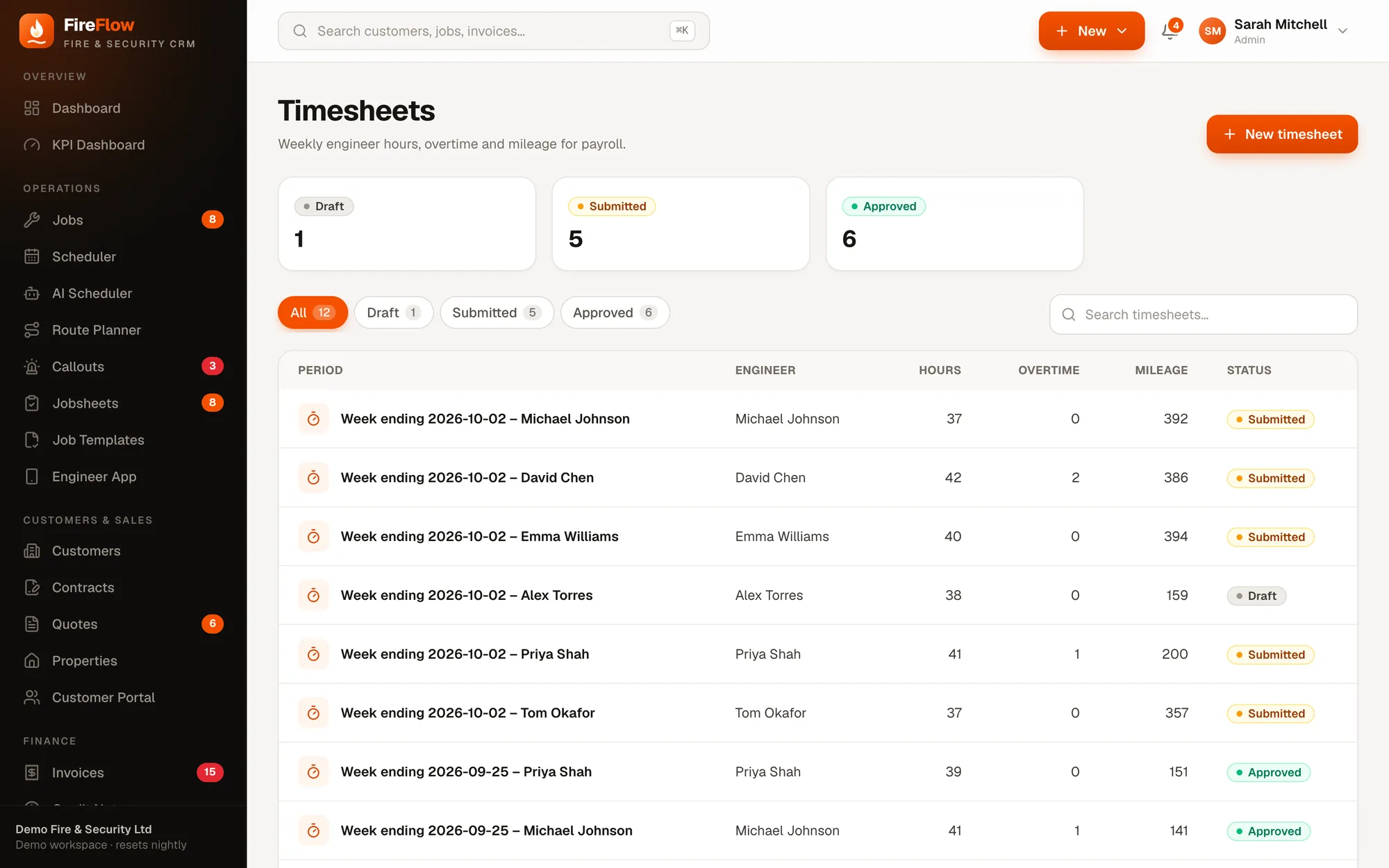
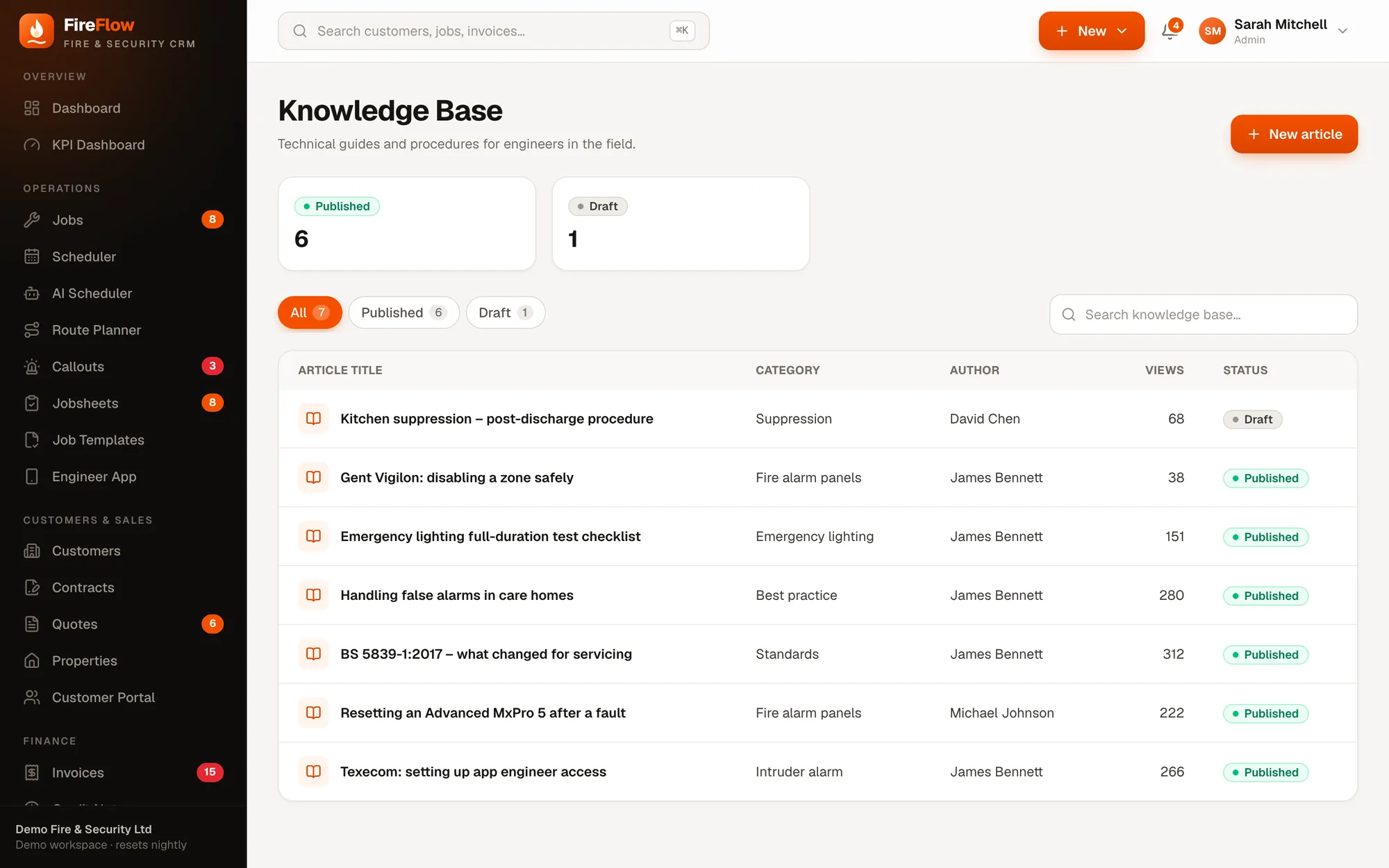
Their van, their hours, their know-how.
Made for the field
Small things that make a long day easier.
Today first
Today's jobs at the top with the next one ready to start, then everything coming up.
Directions & call site
One tap to navigate to the site or ring the site contact.
Autosave
The jobsheet saves as they go, so nothing is lost if they put the phone down.
Only their jobs
Engineers can't see prices, invoices or other engineers' jobs. Enforced on the server.
Secure sign-in
Two-factor authentication available for every user, engineers included.
Any phone
iPhone or Android, it runs in the browser. Nothing to install or update.
See it on your own work
Bring a real job. We'll run it through FireFlow live.
A 20–30 minute walkthrough shaped around your company: your callouts, your contracts, your engineers. Then we'll talk about what it would look like for you.