How it compares
General tools do a bit of everything. FireFlow does fire & security.
Generic field service software is built for every trade at once. Spreadsheets and paper don't enforce anything. Here's how FireFlow compares on the things that matter to BAFE and NSI-approved companies.
| Capability | FireFlowFire & security | Generic FSMBuilt for many trades | Spreadsheets & paperPlus phone and email |
|---|---|---|---|
| Fire & security specifics | |||
| BS 5839-1 jobsheet questions built inFire detection and alarm servicing questions, ready on day one | |||
| NSI / BS EN 50131 intruder checklistsEngineer checklists for security work | |||
| Accreditation-aware schedulingRefuses engineers without the BAFE or NSI ticket a job needs | |||
| Engineer qualification expiry trackingWarnings before a ticket lapses | |||
| Company accreditation registerBAFE, NSI, ISO, SafeContractor and insurance with expiry dates | |||
| Further work becomes a remedial quoteDrafted automatically from the engineer's recommendation | |||
| Engineers in the field | |||
| Mobile view for engineersToday's jobs on their phone | |||
| Steps enforced in order, on the serverTravel, arrival, jobsheet, recommendation, signature, complete | |||
| Customer signature on screen | |||
| Arrival recorded against the contract SLA | |||
| Engineers can't see prices or other engineers' jobsEnforced on the server, not just hidden | |||
| Nothing to installRuns in the phone's browser | |||
| Office review & audit | |||
| Office review before the certificate goes outApprove & send produces the certificate | |||
| Field-by-field log of office editsWho, when, old and new values. Signature locked | |||
| Audit log of every changeJobs, quotes, invoices, contracts, customers, purchase orders | |||
| Customers, contracts & billing | |||
| Multi-site customers | |||
| Different payer per site or contractResolved automatically: contract, then site, then customer | |||
| PO number enforced before sending | |||
| Planned contract visits never invoiced twice | |||
| Contract callout rate applied automaticallyBilled to whoever pays for that site | |||
| Contract SLA and renewal tracking | |||
| Customer portal with fault reportingFaults arrive as open callouts | |||
| Scheduling | |||
| Drag-and-drop weekly scheduler | |||
| AI suggestions with reasons and confidenceNothing booked until the office applies it | |||
| Route optimisation for an engineer's day | |||
| Purchasing & stock | |||
| Supplier price list import with price-change trackingRe-imports update by product code | |||
| Compare one part across every supplierCheapest first | |||
| Margin and "cheaper elsewhere" on every item | |||
| Purchase orders linked to jobs, with part deliveriesWarehouse stock updated on receipt | |||
| Reporting | |||
| Fire & security KPIsCallout SLA met, first-time fix, on-time arrival, debtor days | |||
| Report builder with CSV export | |||
| Platform & security | |||
| Your own web address and workspaceData separated by the database itself | |||
| Two-factor authentication | |||
| EU hosting with nightly backups | |||
| Import customers and sites from ClikExisting records matched, not duplicated | |||
"Generic FSM" means typical general-purpose field service management software designed for many trades. Products differ, and many can be customised or extended with add-ons, so check any specific product against your own needs. This comparison is our own assessment.
Real-world scenarios
Same job. Very different day.
A P1 fire alarm fault at a contract site, late afternoon.
Spreadsheets, phone & paper
- On the phoneDetails scribbled down, then typed into a spreadsheet.
- Finding someoneThe office rings round to find an engineer with the right ticket who's nearby.
- Getting thereThe address and contact go out by text.
- On sitePaper jobsheet in the van, filled in afterwards. Signature if the customer's still there.
- Days laterThe sheet comes back to the office. Someone checks the contract to see if it's chargeable, and who pays.
- RejectedThe invoice goes to head office, who return it: that site is paid by another company, and they need a PO.
 With FireFlow
- LoggedOffice logs the callout, or the customer reports it through their portal.
- Create jobSite, priority and the contract's SLA carried over automatically.
- AI SchedulerSuggests the nearest BAFE-qualified engineer with free time. The office presses Apply.
- On siteEngineer taps Start travel, then Arrived. Arrival is recorded against the SLA.
- Signed offBS 5839-1 jobsheet completed on the phone, signed by the customer. The callout resolves itself.
- InvoicedCharged at the contract's callout rate, billed to the site's payer, with the PO checked before sending.
A quarterly BS 5839-1 service where the engineer finds defects.
Spreadsheets, phone & paper
- PlanningContract visits tracked in a spreadsheet; someone has to remember what's due.
- On siteEngineer notes defects on paper.
- Back at baseThe defects might make it onto a quote, if someone reads the notes.
- CertificateTyped up from the paper sheet, mistakes and all.
- Audit timeHunting through folders for the sheet, the signature and who changed what.
With FireFlow
- PlannedCreated from the quarterly service template, with its checklist and BAFE requirement.
- On siteChecklist and BS 5839-1 questions on the phone, saved as they go.
- Recommendation"Further work required" drafts a remedial quote for the office straight away.
- ReviewOffice tidies the wording; every edit is logged and the signature stays locked.
- CertificateApprove & send produces the certificate. Stored with answers, signature and timestamps.
- Not billed twiceIt's a planned contract visit, so FireFlow won't invoice it again.
Invoicing a retail group with sites paid by different companies.
Spreadsheets, phone & paper
- GatheringPulling completed jobs from sheets, emails and the diary.
- Who pays?Checking each site against a list of who pays for what.
- Contract or chargeable?Cross-checking which visits the contract already covers.
- ChasingInvoices bounce for missing PO numbers; overdue ones are spotted late.
With FireFlow
- Ready to invoiceApprovals lists completed jobs not yet invoiced.
- Right payerEach invoice goes to the contract's, site's or customer's account automatically.
- Right amountContract visits excluded; callouts at the contract rate.
- Can't send without a POIf the payer needs one, FireFlow asks for it first.
- ChasingOverdue invoices flagged from payment terms. Part payments and credit notes recorded.
Switching from Clik
Moving over is the easy part.
FireFlow was built to replace Clik at a working fire & security company, so getting your records across was designed in from the start.
- 1Export from ClikCustomers → Export → CSV.
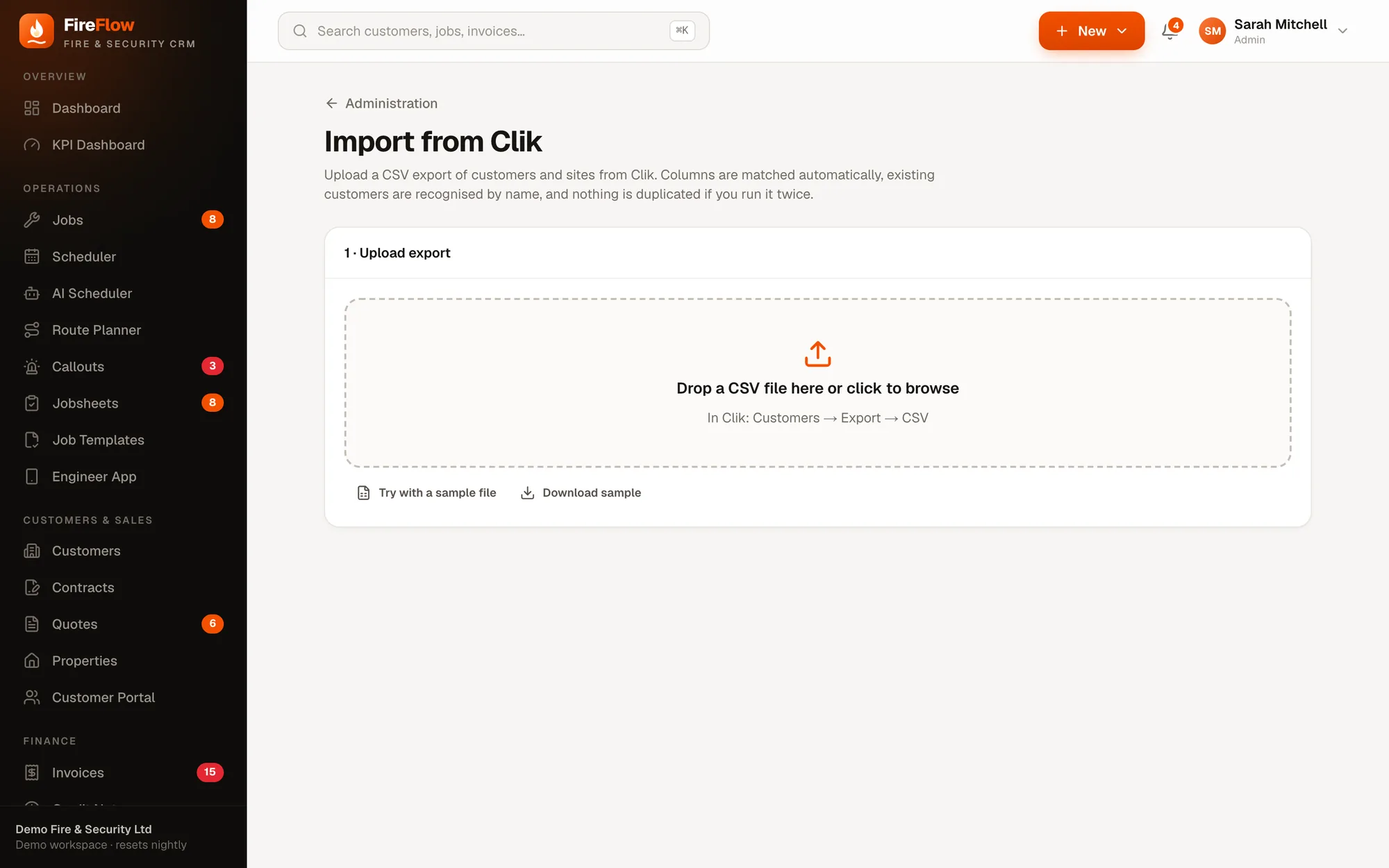
- 2Upload to FireFlowAdministration → Import from Clik. Columns are matched automatically.
- 3No duplicatesExisting customers and sites are recognised by name, so you can run it again safely.
- 4History comes tooWe help bring job and invoice history across as part of getting started.
Good to know
Straight answers.
Can't a generic field service tool be set up to do this?
Some of it, often with custom forms, add-ons or workarounds that someone has to build and maintain. FireFlow has the standards, accreditation checks, separate payers and contract rules built in, and enforces them on the server.
Is anything still on the way?
Accounting, payment and SMS integrations (such as Xero) are being built now. Emails for invoices and jobsheets currently open in your own email app rather than being sent from FireFlow. We'll show you exactly where things stand in your demo.
How long does it take to get started?
We create your workspace at its own web address, import your customers and sites, and set up your first administrator, who then adds the team. We'll walk through a plan for your company in the demo.
How is FireFlow priced?
We put together an offer around the size and needs of your company after the demo, so you only pay for what makes sense for you.
See it on your own work
Bring a real job. We'll run it through FireFlow live.
A 20–30 minute walkthrough shaped around your company: your callouts, your contracts, your engineers. Then we'll talk about what it would look like for you.